
Complete Guide to Video Editor Workflow


Professional video editors know that a polished film does not happen by chance. Nearly eight out of ten american filmmakers rely on a structured workflow to streamline editing and avoid costly mistakes. Understanding these fundamental processes means the difference between chaotic project management and delivering captivating content on time. If you want to create videos with clarity and impact, learning the essentials of video editor workflow gives your projects a powerful edge.
Table of Contents
Key Takeaways
Point | Details |
Organizational Efficiency | Proper asset management enhances editing speed and reduces errors. Establish structured folder systems and metadata tagging from the start. |
Creative Decision-Making | A balance between technical precision and creative intuition shapes the viewer’s experience. Focus on narrative flow and audio-visual synchronization. |
Collaborative Dynamics | Effective project management and communication are critical in team workflows. Utilize shared platforms and consistent documentation to streamline processes. |
Continuous Optimization | Adaptation and learning are essential for overcoming workflow challenges. Regularly update software and develop proactive strategies to enhance productivity. |
Defining Video Editor Workflow Fundamentals
Video editor workflow represents the systematic approach professional editors use to transform raw footage into compelling visual narratives. At its core, the workflow encompasses a series of strategic steps designed to organize, edit, and polish video content from initial asset collection through final rendering. Understanding the digital video workflow process involves mastering multiple technical and creative dimensions that transform disconnected shots into cohesive storytelling experiences.
The fundamental stages of a video editing workflow typically include three primary phases: pre-production preparation, editing and assembly, and post-production refinement. During the initial preparation stage, editors meticulously organize raw video assets, creating structured folder systems and metadata tags that enable quick retrieval and efficient project management. Understanding video post-production workflow essentials highlights the critical nature of this organizational stage, where proper asset management can dramatically reduce editing time and minimize potential errors.
Professional editors recognize that effective workflow management extends beyond technical skills and requires strategic thinking about storytelling, pacing, and audience engagement. Key workflow fundamentals include:
Systematic asset organization
Consistent file naming conventions
Strategic shot selection
Understanding narrative flow
Precise audio and visual synchronization
Efficient use of editing software tools
The editing process itself demands a delicate balance between technical precision and creative intuition. Editors must make nuanced decisions about shot duration, transition styles, color grading, and audio integration that collectively shape the viewer’s emotional experience. By developing a structured yet flexible workflow, video editors can transform raw footage into powerful visual stories that captivate and communicate effectively.
Key Stages in the Editing Process
Video editing is a sophisticated process that transforms raw visual content into compelling narratives through methodical stages of refinement. Understanding the stages of video editing for creatives reveals a complex workflow that demands both technical precision and creative intuition. Post-production encompasses multiple critical phases where editors meticulously assemble, tailor, and build out raw audio and visual assets into a polished final product.
The initial stage of the editing process centers on the rough cut, where editors begin constructing the foundational narrative structure. During this phase, scenes are arranged in sequence, continuity errors are identified and addressed, and the primary narrative arc starts to emerge. Professional editors carefully examine each segment, making strategic decisions about shot selection, duration, and narrative flow that will ultimately shape the viewer’s experience. This crucial stage serves as the blueprint for subsequent refinement, establishing the core storytelling framework.
Subsequent stages of the editing process involve progressively more nuanced technical and creative interventions:
Rough Cut Assembly: Initial scene arrangement and basic narrative structure
Fine Cutting: Precise trimming and shot selection
Audio Enhancement: Sound design and dialogue synchronization
Color Correction: Visual tone and aesthetic refinement
Visual Effects Integration: Adding graphical or digital enhancements
Final Rendering: Preparing the project for distribution
The final stages of post-production demand meticulous attention to detail. Editors must balance technical elements like color grading, sound mixing, and visual effects with the overarching narrative goals. By carefully orchestrating these complex components, video editors transform raw footage into immersive visual stories that effectively communicate emotion, meaning, and creative vision.
Essential Tools and Software Solutions
The video editing landscape demands sophisticated software solutions that enable creative professionals to transform raw footage into compelling visual narratives. Understanding video workflow software for filmmakers reveals the critical importance of selecting the right technological ecosystem to support complex post-production processes. Professional editors require integrated tools that seamlessly handle multiple aspects of content creation, from initial asset management to final rendering.
Modern video editing workflows typically involve comprehensive software suites that offer multi-dimensional functionality. These platforms must support advanced capabilities such as non-linear editing, color grading, audio synchronization, visual effects integration, and project collaboration. Professional-grade software solutions are distinguished by their ability to handle high-resolution footage, provide real-time rendering previews, and offer intuitive user interfaces that streamline complex editing tasks.
Key considerations when evaluating video editing software include:
Compatibility with various video formats and codecs
Performance across different hardware configurations
Scalability for projects of varying complexity
Collaboration features for team-based workflows
Integration with additional creative tools
Cost-effectiveness relative to professional requirements
The most advanced editing software platforms provide robust toolsets that transcend traditional editing boundaries. They enable creators to manipulate visual elements with unprecedented precision, implement complex effects, and maintain high-quality output across multiple distribution channels. By carefully selecting software that aligns with specific creative and technical requirements, video editors can significantly enhance their productivity and storytelling capabilities.
Collaborative Dynamics and Project Management
Successful video editing workflows rely heavily on sophisticated project management strategies that enable seamless team collaboration and efficient content production. How to manage client expectations becomes critical in navigating the complex interactions between creative teams, stakeholders, and technical requirements. Professional editors must develop robust systems that facilitate communication, track project progress, and maintain high-quality standards throughout the production process.
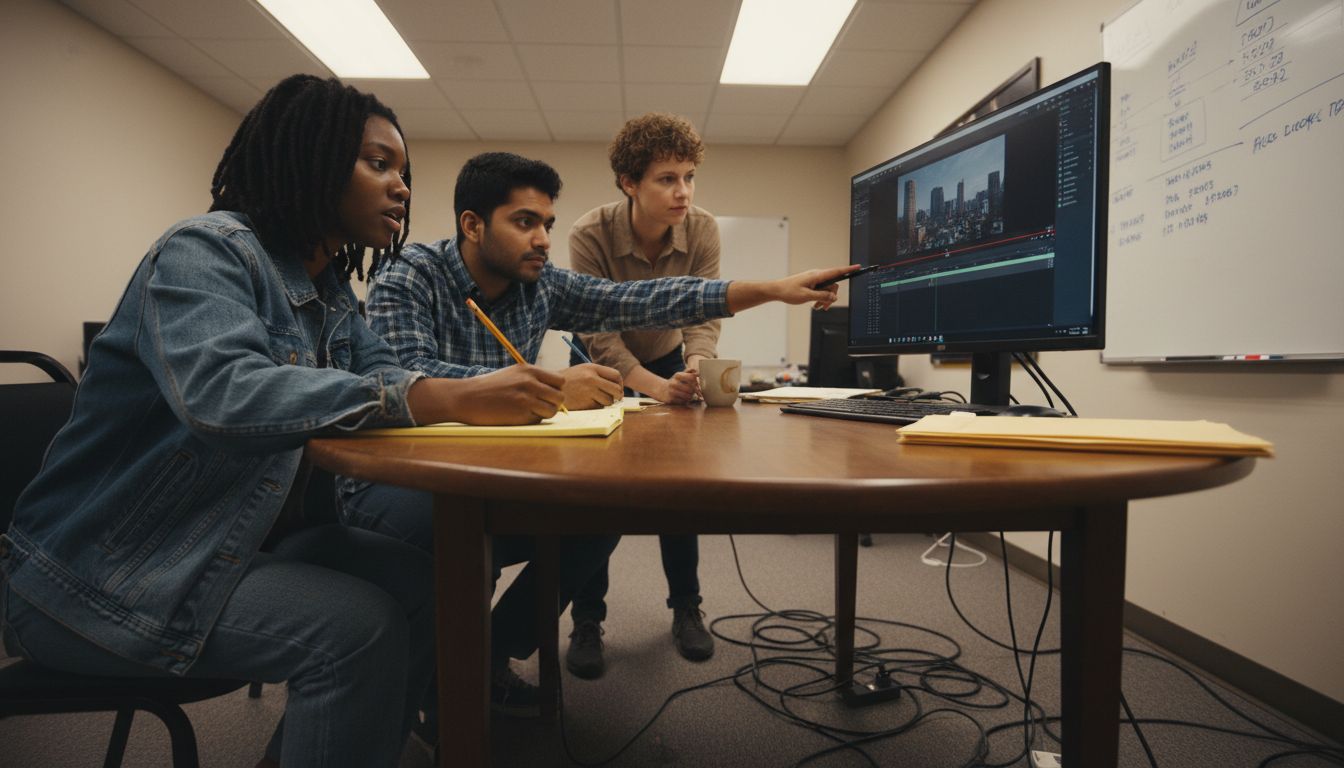
Effective project management in video editing involves creating structured approaches to file organization, communication protocols, and workflow optimization. Professionals utilize advanced techniques such as media asset management, which includes systematic file naming conventions, centralized storage solutions, and metadata tagging. These strategies ensure that team members can quickly locate and access project resources, reducing time spent searching for files and minimizing potential errors during collaborative editing processes.
Key collaborative dynamics in video editing include:
Establishing clear communication channels
Implementing shared project management platforms
Creating standardized file organization protocols
Developing comprehensive version control systems
Setting transparent workflow expectations
Utilizing cloud-based collaboration tools
Maintaining consistent project documentation
The most successful video editing teams recognize that effective collaboration extends beyond technical skills. It requires developing a shared understanding of project goals, maintaining open lines of communication, and creating flexible workflows that can adapt to changing creative and technical requirements. By implementing strategic project management approaches, video editing teams can streamline their processes, reduce potential conflicts, and consistently deliver high-quality creative outcomes.
Common Pitfalls and Optimization Tips
Video editing workflows are fraught with potential challenges that can significantly impact project efficiency and final output quality. Tips and tricks for efficient workflows as a videography editor reveal critical insights into avoiding common production bottlenecks. Professional editors must develop strategic approaches to mitigate risks and streamline their creative processes, transforming potential obstacles into opportunities for enhanced productivity.
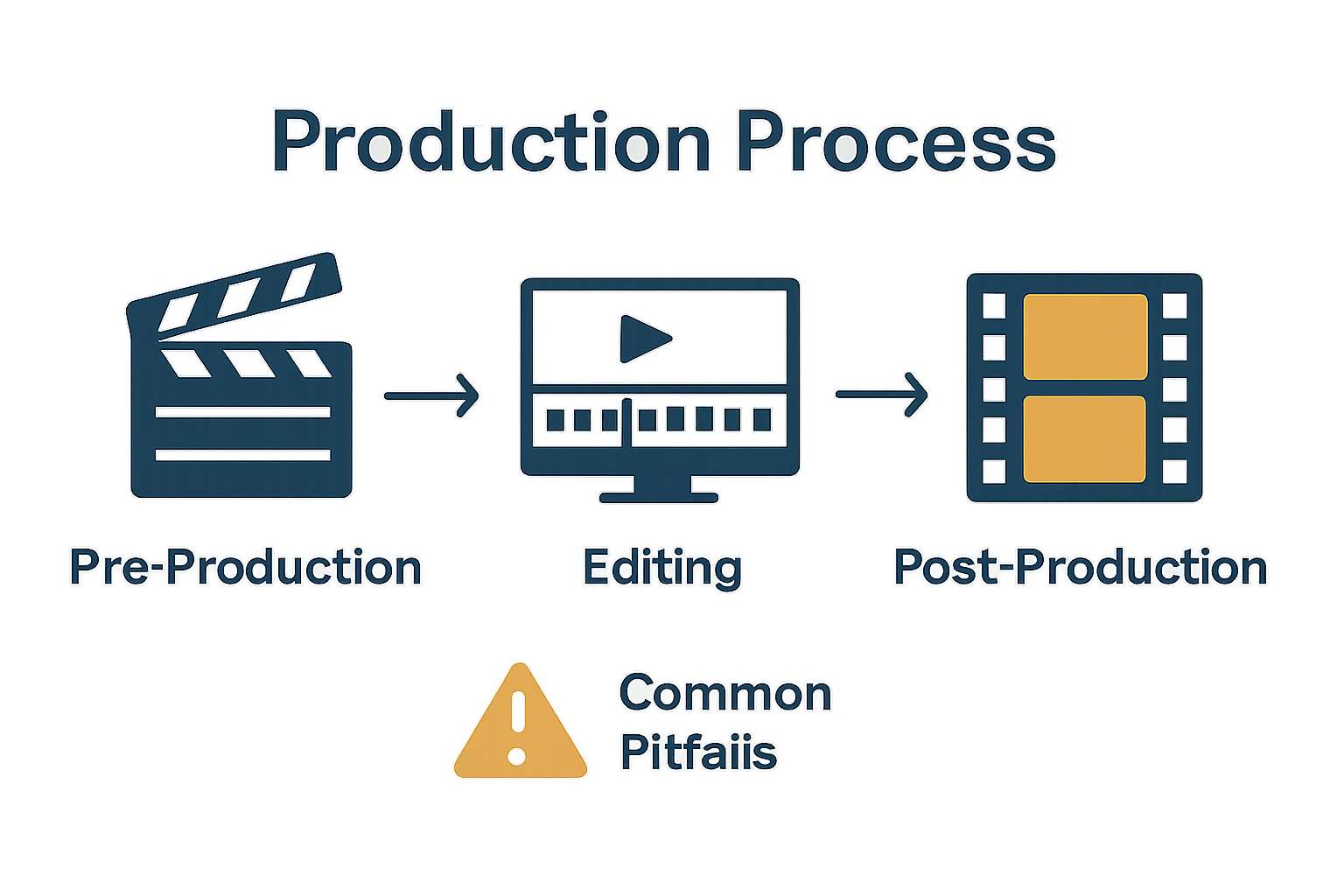
One of the most significant workflow challenges involves ineffective media management and organizational strategies. Editors frequently encounter issues such as disorganized file structures, inconsistent naming conventions, and poor version control that can derail project timelines and create unnecessary complexity. By implementing systematic approaches like centralized media bins, comprehensive metadata tagging, and robust backup protocols, video editing professionals can dramatically reduce time spent searching for assets and minimize the risk of critical file loss.
Common pitfalls in video editing workflows include:
Inadequate pre-production planning
Poor media organization and file management
Inconsistent version tracking
Insufficient hardware resources
Lack of clear communication protocols
Inefficient project backup strategies
Neglecting regular software and system updates
Successful video editors recognize that optimization is an ongoing process requiring continuous learning and adaptation. By developing proactive strategies, maintaining flexible workflows, and investing in professional development, creative teams can transform potential challenges into opportunities for innovation. The most effective professionals approach each project with a combination of technical precision, creative problem-solving, and a commitment to continuous improvement.
Streamline Your Video Editor Workflow with Expert Support
Effective video editing requires more than creative skill and technical precision. This article highlights the challenges editors face such as systematic asset organization, version control, and seamless collaboration. When juggling complex project management and tight deadlines, disorganized workflows and logistical hurdles can stall progress and compromise quality. That is where expert local partners become invaluable. With Video Production Switzerland, you gain access to over 20 years of experience in facilitating smooth, on-time shoots with trusted crews, equipment sourcing, and comprehensive logistical management. Whether you need reliable support managing permits, locations, or transportation, their client-centric approach simplifies your process so you can focus on creative storytelling.
Boost your video editing efficiency by partnering with professionals who understand the importance of structured workflows, project management, and quality delivery. Visit Video Production Switzerland today to schedule a free consultation and learn how expert logistical support can transform your post-production experience. Don’t let common workflow pitfalls slow your project down. Take control of your narrative and production success now.
Frequently Asked Questions
What are the key stages in a video editing workflow?
The key stages in a video editing workflow include pre-production preparation, editing and assembly, and post-production refinement. Each phase plays a crucial role in organizing, editing, and polishing video content.
How can I improve my video editing workflow?
To improve your video editing workflow, focus on systematic asset organization, consistent file naming conventions, and strategic shot selection. Utilizing efficient editing software and maintaining communication within your team are also essential for optimizing your process.
What tools and software are essential for video editing?
Essential tools for video editing include comprehensive software suites that support non-linear editing, color grading, audio synchronization, and visual effects integration. Look for software that offers high-resolution footage handling and real-time rendering previews.
What are common pitfalls to avoid in video editing workflows?
Common pitfalls in video editing workflows include inadequate pre-production planning, poor media organization, inconsistent version tracking, and inefficient backup strategies. Addressing these issues can enhance project efficiency and output quality.
Recommended
