
Remote Video Editing Workflow: Ensuring Seamless International Projects
- Rafa Villaplana
- Jan 3
- 7 min read

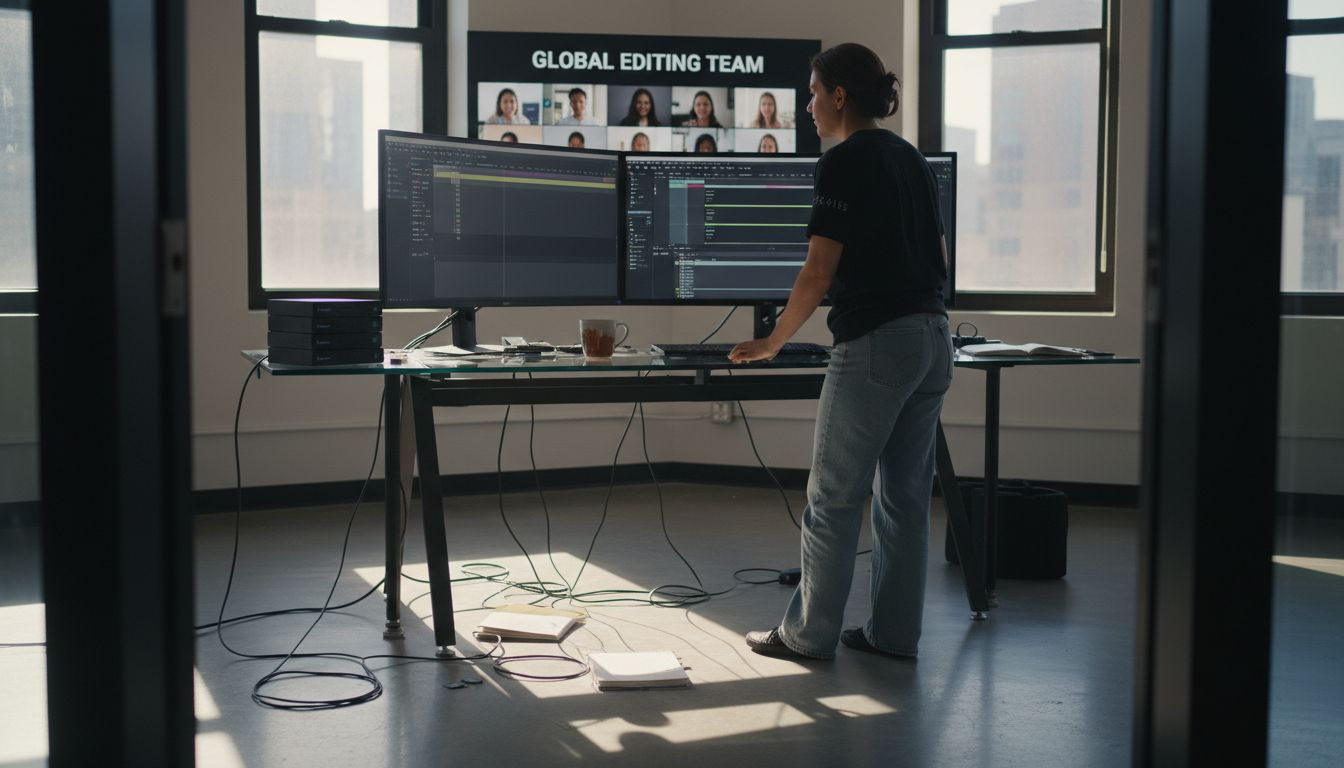
More than half of international media teams report lost productivity due to inefficient remote video editing workflows. For filmmakers working with American and Swiss collaborators, managing distributed editing and secure data transfer across countries brings unique challenges. This guide uncovers the essentials of remote workflows, including cloud storage, reliable communication, and compliance strategies. Discover practical solutions tailored for companies seeking expert support to run smooth, cost-effective production operations in Switzerland.
Table of Contents
Key Takeaways
Point | Details |
Remote Video Editing Workflow | Leverage cloud technologies for efficient, location-independent collaboration among global video production teams. |
Cloud-Based Tools | Invest in integrated platforms that enhance real-time editing, asset management, and communication to streamline workflows. |
Communication Protocols | Establish clear communication guidelines and project documentation to enable smooth collaboration across distributed teams. |
Security and Compliance | Prioritize comprehensive data security and legal compliance strategies to protect sensitive assets in international projects. |
Defining Remote Video Editing Workflow Essentials
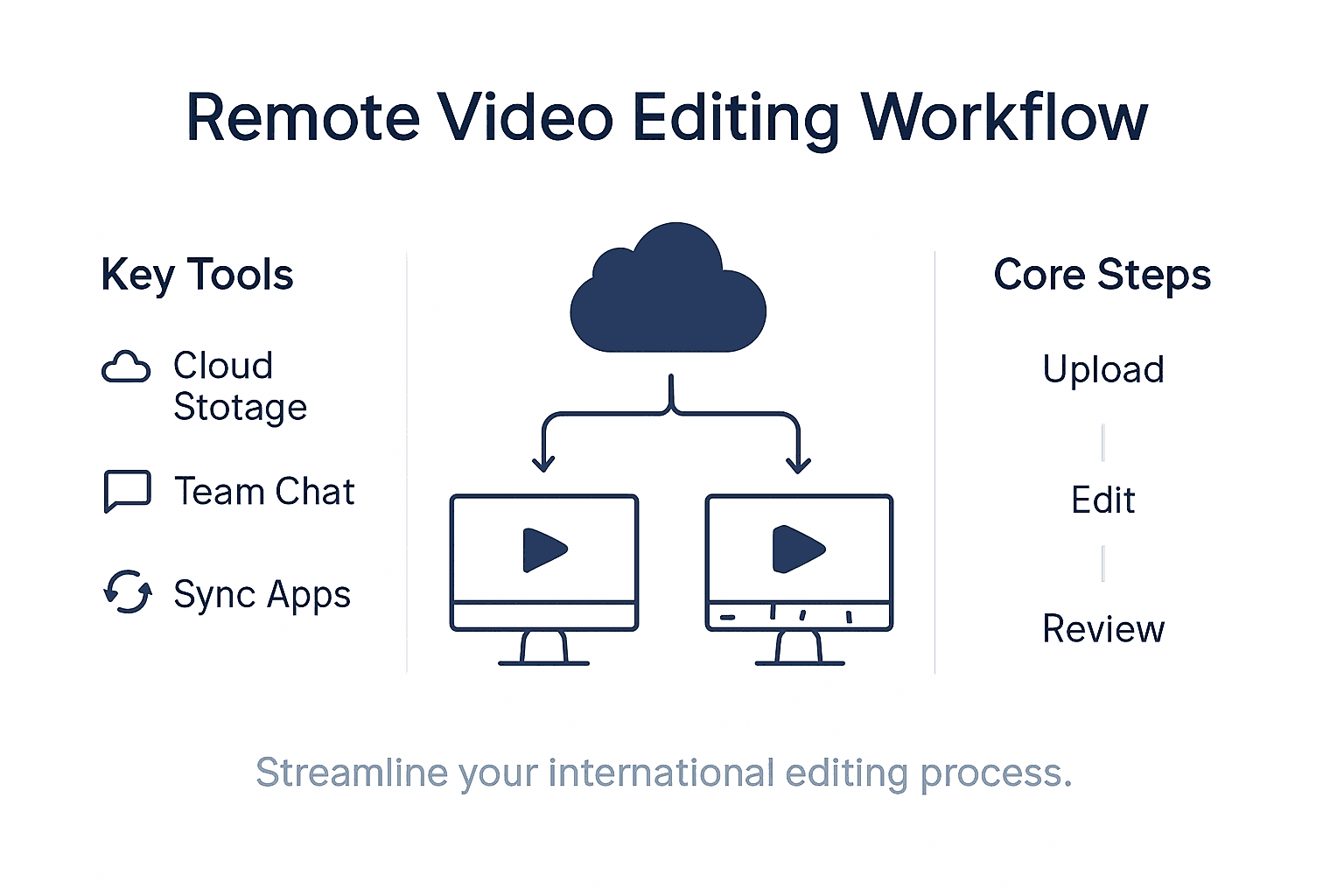
A remote video editing workflow transforms traditional post-production processes by enabling collaborative, location-independent editing across global teams. Unlike conventional editing approaches that require physical proximity, modern workflows leverage cloud technologies to connect creative professionals seamlessly. Streamlining remote editing strategies has become critical for international video production teams seeking efficiency and flexibility.
The core components of an effective remote video editing workflow include robust cloud storage, synchronized project management, and industry-standard collaborative tools. Cloud video production platforms now offer geo-redundant storage solutions that protect project files while enabling real-time collaboration across different time zones. Key technological requirements involve high-bandwidth internet connections, secure file transfer protocols, and integrated communication channels that allow editors, directors, and producers to share feedback instantaneously.
Successful remote workflows depend on standardized processes and clear communication protocols. Teams must establish consistent naming conventions for project files, implement version control mechanisms, and utilize professional platforms that support simultaneous editing and commenting. Advanced remote editing environments integrate project management tools, cloud storage systems, and communication platforms to create a unified workspace where international teams can collaborate without geographical limitations.
Pro tip: Invest in a dedicated project management platform that offers real-time file synchronization, version tracking, and integrated communication features to streamline your remote video editing workflow.
Cloud-Based Editing Systems and Key Tools
Cloud-based editing systems have revolutionized video production by enabling seamless collaboration across global teams. Advanced video production platforms now offer sophisticated tools that support real-time editing, asset sharing, and communication for international creative professionals. Modern cloud systems integrate multiple functionalities, allowing editors to work simultaneously on complex projects regardless of geographical constraints.
Key collaborative tools in remote video editing environments include specialized software platforms designed to optimize workflow efficiency. Remote editing workflow solutions like Postlab for project file management, Frame.io for high-resolution review, and Kyno for metadata tagging have become essential for professional video production teams. These platforms provide secure file transfer protocols, version control mechanisms, and integrated communication channels that ensure consistent quality and streamlined collaboration.
Here’s a quick comparison of essential collaborative video editing tools and their distinctive strengths:
Platform | Key Functionality | Integration Strength | Standout Feature |
Postlab | Project file management | Strong with Final Cut | Real-time team workflow |
Video review and feedback | Broad with major NLEs | Precise, frame-accurate comments | |
Kyno | Metadata tagging & logging | Moderate via XML/AAF | Advanced media organization |
The technological infrastructure supporting cloud-based editing systems involves several critical components. High-performance cloud storage with geo-redundant backup, robust bandwidth management, and cross-platform compatibility are fundamental requirements. Professional editing teams must carefully evaluate tools based on their specific project needs, considering factors such as real-time collaboration features, security protocols, integration capabilities with existing software, and the ability to handle high-resolution media files across different editing environments.
Pro tip: Select cloud-based editing platforms that offer comprehensive integration capabilities, allowing seamless data transfer and collaboration across multiple editing software and geographic locations.
Collaborative Processes for Distributed Teams
Distributed video editing teams require sophisticated collaboration strategies to maintain project coherence and productivity across different geographic locations. Effective remote workflow management hinges on establishing clear communication protocols, implementing robust digital collaboration tools, and creating structured check-in processes that transcend traditional office boundaries. Successful international teams develop systematic approaches that enable seamless information exchange and real-time project coordination.
Communication technologies play a critical role in maintaining team alignment. Online platforms now offer advanced features specifically designed for video production collaboration, including time-stamped feedback mechanisms, centralized review processes, and integrated task management systems. Remote collaboration platforms enable teams to upload project files, provide precise visual annotations, and track project progress with unprecedented transparency, ensuring that every team member remains synchronized despite geographical separation.
Building a successful distributed editing workflow involves more than technological infrastructure. Teams must cultivate a collaborative culture that prioritizes clear communication, mutual accountability, and shared project objectives. This requires establishing standardized file naming conventions, creating comprehensive project documentation, implementing regular virtual meetings, and developing transparent feedback mechanisms. Professional distributed teams invest significant effort in creating communication frameworks that compensate for the lack of physical proximity, using a combination of synchronous and asynchronous communication tools to maintain project momentum.
Pro tip: Implement a standardized communication protocol that includes daily brief check-ins, clear documentation guidelines, and designated communication channels for different types of project interactions.
Data Security, Privacy, and Legal Compliance
International video editing workflows demand comprehensive data security strategies that protect sensitive creative assets across complex legal landscapes. Remote editing security protocols have become increasingly sophisticated, emphasizing robust encryption methods, multi-factor authentication, and secure virtual private network (VPN) technologies to safeguard intellectual property and confidential project materials. Professional teams must navigate intricate legal frameworks that vary significantly across different jurisdictions, requiring nuanced approaches to data protection and privacy management.
The emergence of advanced technological solutions has transformed how distributed teams address security challenges. AI-driven compliance mechanisms now enable automated monitoring of data exchanges, helping organizations proactively identify potential privacy risks and ensure adherence to international regulations. These intelligent systems can track file transfers, detect unauthorized access attempts, and generate comprehensive audit trails that demonstrate compliance with regional data protection standards such as the European Union’s General Data Protection Regulation (GDPR) and California’s Consumer Privacy Act.
Complex legal compliance in remote video editing requires a multifaceted approach that combines technological safeguards with comprehensive organizational policies. Teams must develop clear protocols for data handling, implement granular access controls, and create transparent documentation outlining privacy expectations. This involves establishing secure file transfer mechanisms, defining strict user authentication procedures, and creating detailed consent frameworks that protect both creative professionals and their clients. Successful international video production teams prioritize ongoing education about evolving digital security standards and maintain flexible strategies that can adapt to changing regulatory environments.
Pro tip: Conduct quarterly comprehensive security audits and maintain updated privacy documentation that addresses specific legal requirements across all jurisdictions where your team operates.
Cost, Efficiency, and Hidden Pitfalls
Remote video editing workflows present complex economic challenges that demand strategic planning and proactive management. Structured workflow optimization strategies can dramatically reduce operational costs by implementing systematic project management techniques and leveraging automation technologies. Professional teams must carefully analyze their existing processes, identifying potential inefficiencies that can escalate expenses and compromise project timelines.
Technological infrastructure plays a critical role in managing remote editing costs and potential pitfalls. Remote editing efficiency frameworks highlight the importance of selecting appropriate digital tools that minimize latency, prevent data duplication, and streamline communication channels. Key cost considerations include bandwidth requirements, software licensing, cloud storage expenses, and the potential productivity losses associated with technological limitations. Successful international teams invest in robust technological ecosystems that balance performance with economic sustainability.
Navigating the financial landscape of remote video editing requires a nuanced understanding of both direct and indirect expenses. Beyond obvious costs like software subscriptions and hardware investments, teams must account for less visible expenditures such as potential productivity delays, communication overhead, and technology integration challenges. Comprehensive cost management involves developing flexible workflow strategies that can adapt to changing technological landscapes, implementing rigorous performance metrics, and continuously evaluating the return on investment for technological solutions and collaboration platforms.
This table summarizes major cost considerations and hidden challenges remote video editing teams often face:
Cost Factor | Example Challenge | Potential Impact |
Bandwidth expenses | High transfer volume | Increased monthly costs |
Software licenses | Multiple platforms required | Budget overruns |
Cloud storage fees | Storing high-resolution footage | Growing operational expenses |
Productivity delays | Integration or sync issues | Missed project deadlines |
Pro tip: Conduct monthly comprehensive workflow audits to identify inefficiencies, track technology expenses, and optimize your remote editing processes for maximum cost-effectiveness and performance.
Master Your Remote Video Editing Workflow with Trusted Local Support
Managing the complexities of remote video editing workflows requires more than just the latest cloud tools and communication platforms. The article highlights challenges like secure data handling, real-time collaboration, and workflow efficiency across international teams. At Video Production Switzerland, we understand that seamless execution starts with a reliable on-ground partner who can manage logistics, permits, and trusted crew sourcing to keep your projects on schedule and secure.
Why trust us for your international video projects?
Extensive local expertise ensuring smooth location scouting, gear acquisition, and transportation
Over 20 years of experience navigating Swiss regulations and coordinating cross-border workflows
A client-centric approach that aligns with your remote workflow needs to reduce costly delays and communication gaps
Take control of your remote editing challenges by combining advanced workflow strategies with expert local production support. Visit Video Production Switzerland now for a free consultation and discover how our professional services can empower your international team to deliver flawless projects on time and within budget. Don’t let logistical hurdles slow your remote collaboration—partner with us today to ensure stress-free, high-quality video production in Switzerland.
Frequently Asked Questions
What are the essential components of a remote video editing workflow?
The essential components include robust cloud storage, synchronized project management, and collaborative tools that facilitate real-time feedback and communication.
How can teams ensure data security during remote video editing?
Teams can ensure data security by implementing robust encryption methods, using multi-factor authentication, and establishing secure file transfer protocols to protect sensitive project materials.
What collaborative tools are most effective for remote video editing?
Effective collaborative tools include Postlab for project file management, Frame.io for video review, and Kyno for metadata tagging, each optimized for different aspects of the editing process.
What are common challenges and cost factors in remote video editing?
Common challenges include bandwidth expenses, potential productivity delays due to technology integration issues, and software licensing costs, all of which can impact overall project budgets.
Recommended
