
Test Production Planning Software in 60–90 min for Film Shoots Abroad


For cloud collaboration, try StudioBinder. For complex multi-unit scheduling, try Movie Magic Scheduling 10. For a single source of truth across scheduling and budgeting, try Yamdu. For writer-director workflows on smaller crews, try Celtx. Each tool solves a different production problem, and the right pick depends on your unit count, your crew size and how your revisions need to travel across departments.
TL;DR:
Multi-unit shoots benefit most from Movie Magic Scheduling 10’s conflict detection and offline desktop access, especially in complex productions.
Yamdu offers seamless integration of scheduling with budgeting and payroll, suited for productions that require a single, shared database.
StudioBinder’s cloud-based platform excels in real-time collaboration and automated call sheet generation, ideal for teams with smaller crews.
Testing scheduling tools with a representative script and multi-unit conflict checks helps avoid costly errors during actual shoots.
Local production support in Switzerland can significantly improve accuracy in crew, permits, and logistics, complementing scheduling software efforts.
Table of Contents
Comparing the Top Production Scheduling Tools
Before you commit to a plan or a seat count, it helps to see how these four tools actually stack up against each other on the features that matter on set.
Tool | Best for | Core scheduling features | Collaboration & multi-unit | Deployment |
StudioBinder | All-in-one cloud workflow with easy call sheets | Connected stripboard, DOODs, automated call-sheet generation | Real-time web collaboration | Cloud-only |
Movie Magic Scheduling 10 | Mature teams running complex, multi-unit shoots | Sub-boards, stripboard scheduling, conflict detection | Multi-board, cross-board conflict visibility | Desktop (Windows/macOS) |
Yamdu | Productions linking scheduling to budgeting and payroll | Script breakdowns, DOODs, time cards | Shared production database | Cloud-based |
Celtx | Writer-directors and small crews | Script-to-breakdown, basic scheduling | Limited, built for small teams | Cloud-based |
StudioBinder builds its scheduling around a connected stripboard that feeds directly into call sheets and DOODs, and it accepts imports from Final Draft, PDF, Fountain and plain text files. That connected chain is the real selling point: a schedule change on the stripboard propagates automatically rather than requiring you to re-enter data in three places. Its published Professional plan runs $99 per month with four included users, with additional seats billed at $25 per user per month, so seat count matters as soon as your assistant directors and department heads need direct access.
Movie Magic Scheduling 10 remains the tool most veteran scheduling teams reach for on larger shoots. Its sub-board structure and cross-board conflict detection exist specifically for productions running second and third units, where a cast or location clash can otherwise go unnoticed until it costs a rescheduled day. It runs as desktop software rather than a browser tool, which matters for teams that need offline access on remote locations.

Yamdu takes a different approach by tying scheduling directly to budgeting and time cards, so a single breakdown feeds call sheets, DOODs and payroll inputs without duplicate data entry. That makes it a strong fit for productions that want one shared database rather than separate tools for scheduling and cost tracking.
Celtx leans toward script development first, with production scheduling as a secondary layer. It suits writer-directors and small crews who want script and plan in one tool rather than a dedicated scheduling engine, and review comparisons show it drawing a smaller and lower-rated sample than StudioBinder on G2’s comparison page, though these averages are directional rather than definitive.
How to Choose the Right Scheduling Software for Your Shoot
Picking a tool before mapping your workflow is the most common procurement mistake we see on international shoots. Work through these steps in order.
Map your workflow first. Count your units, reviewers, call-sheet recipients, and note any language, currency or permit requirements tied to your shoot country to streamline your process with multilingual audio workflows.
Weigh cloud against desktop. Offline access, file ownership and OS support all affect which option fits a shoot with patchy connectivity or strict Windows/macOS requirements.
Confirm integration points. Ask whether the tool connects to your budgeting, payroll or asset-management systems, since rebuilding those links manually eats the time savings a scheduling tool is supposed to give you.
Pro Tip: Request a trial seat for your line producer and your first AD separately, since their workflows expose different gaps in the same tool.
Test Any Tool With One Representative Script
Reading feature lists will not tell you how a tool behaves under real revision pressure. Run this test on a single representative script before you sign a contract.
Import one script. Use a real Final Draft, PDF, Fountain or TXT file and confirm the scene breakdown parses correctly.
Build the stripboard. Group scenes by location, cast and day or night, then add prep and shoot times along with any company moves.
Make a real revision. Change a location or swap a performer, then confirm the update propagates automatically to call sheets, DOODs and sides.
Export and check readability. Pull department-ready PDFs, test them on a phone screen, and confirm DOOD and payroll exports work as expected.
Test multi-unit scheduling. If your shoot runs a second or third unit, confirm the tool flags conflicts across boards rather than leaving them for someone to catch by hand.
This sequence takes most teams 60 to 90 minutes and exposes the gap between a feature list and a tool that actually holds up under a revision on day three of prep.
Three Pitfalls Experienced Production Teams Still Run Into
Production teams consistently underestimate required seat counts, confusing licensed editors with the far larger list of people who just need to receive a call sheet. Multi-unit shoots that skip conflict-detection testing often discover the gap only after a costly reschedule. And exports get tested last, if at all, which means crews find out on set, not in prep, that a PDF renders badly on a phone screen.
— Pieter
When a Local Production Partner Beats Software Alone
Software handles the paperwork, but an international shoot in an unfamiliar country still needs someone who knows the permits, the crew and the roads. When your production is multi-unit, permit-heavy or running on a tight timeline, a managed local partner often saves more time than any scheduling tool can on its own.
[
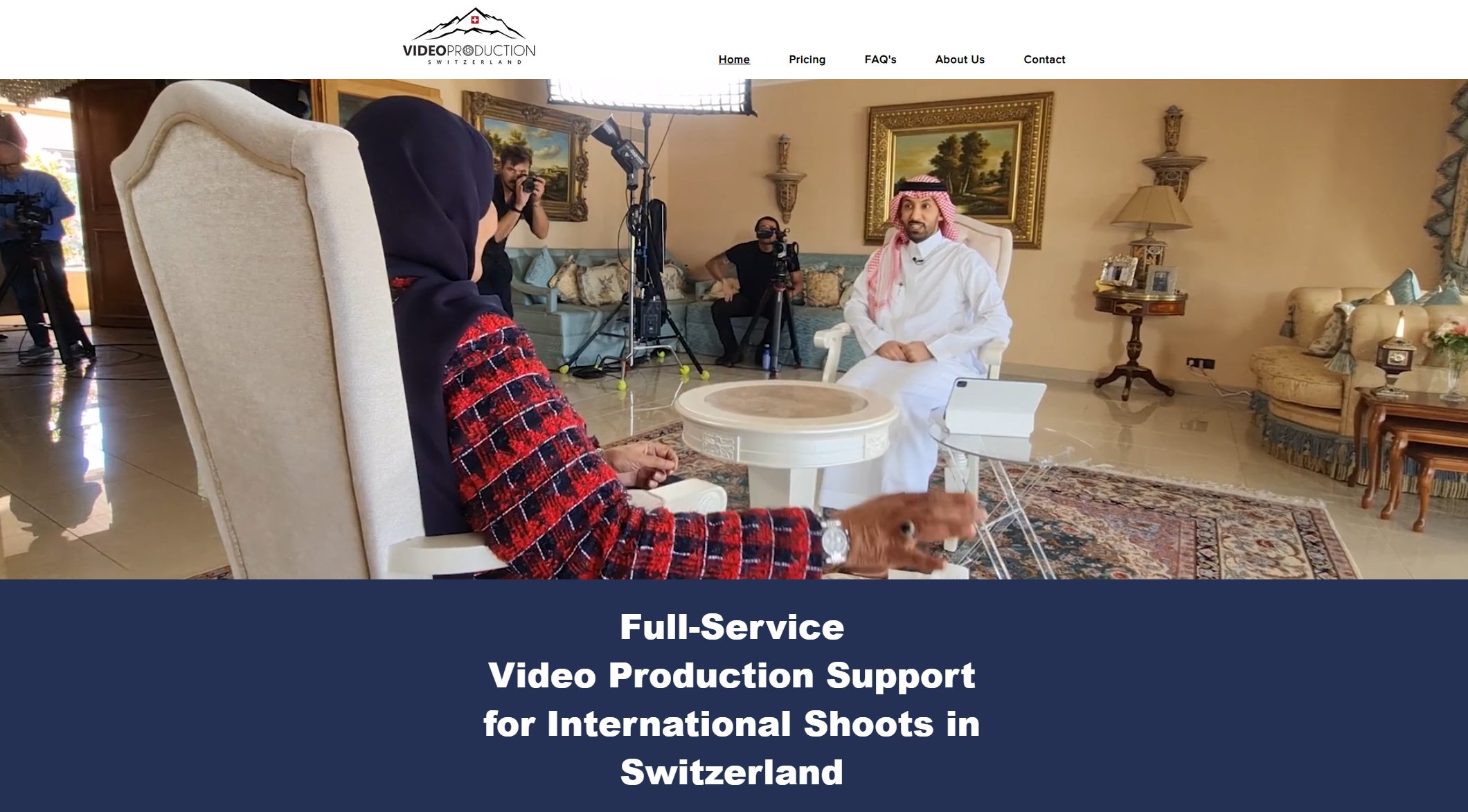
That is the gap our video production support fills for international filmmakers shooting in Switzerland. We start with a free consultation and needs assessment, then move into full execution covering crew, permits, locations and logistics, so your scheduling software has accurate, on-the-ground information to work with instead of guesswork.
We source local crew and gear so your stripboard reflects who is actually available.
We manage permits and location logistics to help keep your schedule on track.
We arrange transportation and accommodations to help multi-unit days run smoothly.
Check our video production costs page for package details, or reach out for a free consultation before your next Swiss shoot.
FAQ
How much does StudioBinder cost?
StudioBinder’s published Professional plan runs $99 per month with four included users, with extra seats billed at $25 per user per month. Pricing can change, so confirm current rates before purchase.
Is Movie Magic Scheduling still the industry standard?
Movie Magic Scheduling 10 remains widely used on complex, multi-unit productions because of its sub-board structure and cross-board conflict detection. It runs as desktop software rather than a browser tool, which matters for offline use on remote locations.
What features should any production planning tool include?
At minimum, look for script import and breakdown, stripboard scheduling, cast and crew data, revision control, call-sheet generation, DOODs, sides, exports and mobile access. Integration with budgeting or payroll tools is worth checking if your production needs a single source of truth.
Can Videoproductionswitzerland help with scheduling for an international shoot in Switzerland?
Yes. We handle crew, permits, locations and logistics for international productions shooting in Switzerland, which gives any scheduling software accurate, real-world data to work from. Details on packages are available on our video production costs page.
Recommended
